
The short answer
Set up your Google Business Profile for pressure washing in eight steps: secure the account, enter accurate business details, choose the closest category, define your service area, add individual services, upload real job photos, complete verification, and build a review routine. Keep your business name, phone number, hours, and website accurate everywhere customers see them. A complete profile will not replace sales work, but it gives local homeowners a clear way to find, evaluate, and contact your company.
Key takeaways
- Use your real business name instead of stuffing services or city names into it.
- List only the service areas you can reach reliably and profitably.
- Create separate service entries for house washing, concrete, roofs, gutters, and commercial work.
- Upload your own clear job and equipment photos, then keep adding current work.
- Ask every satisfied customer for an honest review and respond without sounding scripted.
Step 1: Secure the profile under an account you control
Create or claim the profile using a Google account that you control. Do not leave permanent ownership with a marketing vendor, former employee, or family member.
Keep the login, recovery email, and recovery phone current. Store access information somewhere secure, and give other people only the access their role requires.
Search for your company before creating anything new. If a profile already exists, work through the claim process instead of building a duplicate listing.
Your business name should match the name customers actually see on estimates, invoices, your truck, and your website. Avoid adding a list of services or every nearby city to the name.
Competition is not light. IBISWorld reported 32,193 pressure washing services businesses in the United States as of 2024, up 5.2 percent from 2023. Clean ownership and accurate information give you a dependable base before you worry about tactics.
Step 2: Enter business details customers can trust
Enter one working phone number, your normal customer-facing hours, and a website page that explains your service clearly. These details should be accurate wherever a homeowner encounters your company.
Use a phone number you answer or return promptly. Test the number from another phone, check voicemail, and make sure the greeting names the business.
Set honest hours instead of claiming nonstop availability. Update special hours when holidays, weather, maintenance, or seasonal scheduling change when customers can reach you.
Link the profile to a useful website, not an unfinished page with only a logo and phone number. If you are deciding what the site needs, read Do You Really Need a $3,000 Pressure Washing Website?.
Write the business description in plain language. Name your core work, the general area you cover, and what a customer should do next. Skip unsupported claims and repetitive city lists.
Step 3: Choose the closest available business category
Choose the available primary category that most closely describes the work producing most of your revenue. Add secondary categories only when they represent services you genuinely perform.
Google's available category wording can change, so review the choices shown in your dashboard instead of copying an old screenshot. Pick the closest match rather than forcing every service into your primary category.
Do not select unrelated categories just because they appear valuable. A tight category set helps the profile describe one real company instead of a grab bag of trades.
Recheck categories when you make a major service change. Adding roof cleaning equipment or landing commercial accounts does not automatically mean every related category belongs on the profile.
Step 4: Set a service area you can cover profitably
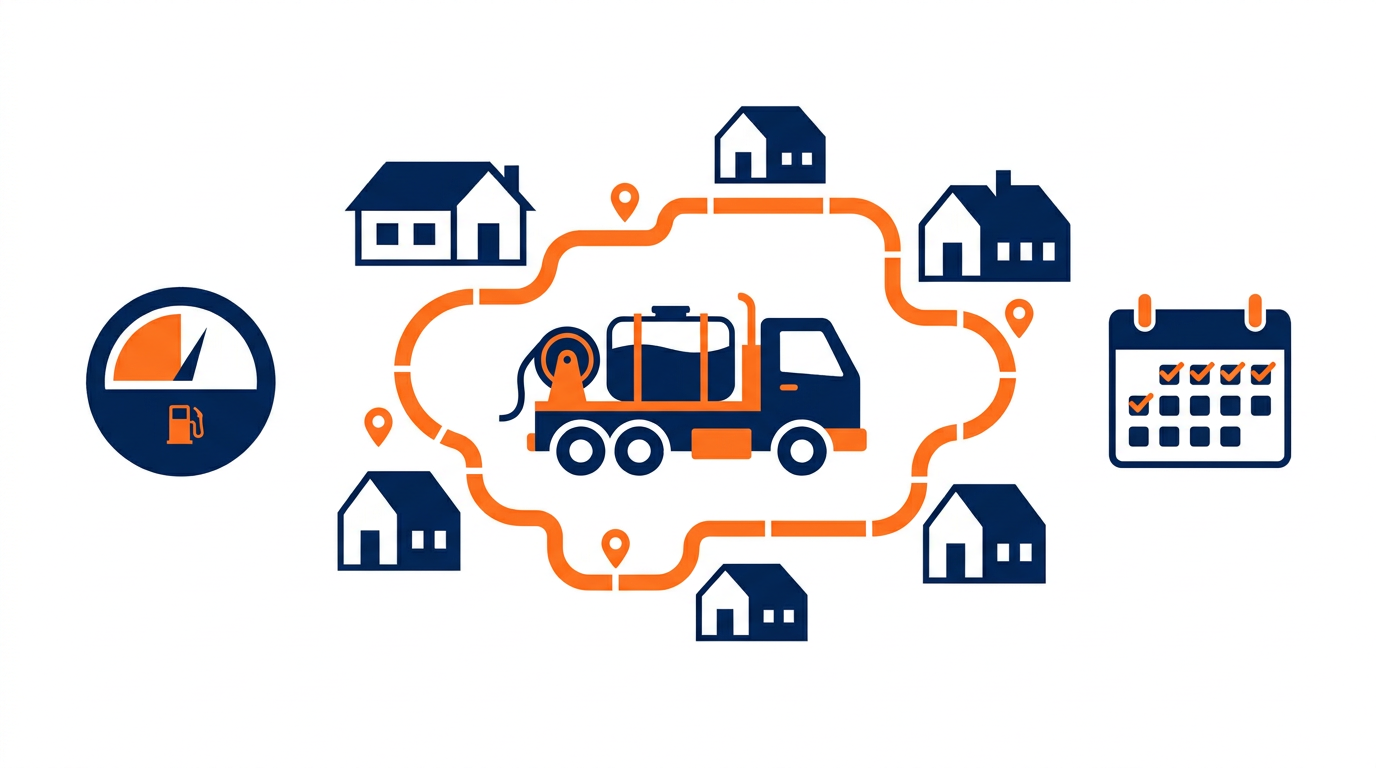
List the cities or areas you regularly serve, not every place within a huge radius. A smaller honest territory is easier to schedule and describe accurately.
Start with your home market and the nearby areas where drive time still makes sense. Consider traffic, fuel, minimum job size, and whether you can handle a callback without losing half a day.
Do not use a false office, rented mailbox, or another location where customers cannot genuinely reach your business. Enter location details truthfully and follow the options presented during setup.
Match the website to the same territory. Your service pages and contact page should make it easy for a homeowner to confirm whether you cover the property.
If the profile is part of launching your route, How to Get Your First Pressure Washing Customers covers the other direct work needed to fill a schedule.
Step 5: Add each pressure washing service separately
Create a separate entry for every service you actively sell. Clear service names help customers understand what they can request before they call.
Use straightforward labels such as house washing, driveway cleaning, concrete cleaning, roof soft washing, gutter cleaning, gutter brightening, fence cleaning, deck cleaning, and commercial exterior cleaning. Leave out work you are not equipped, insured, or prepared to perform.
Give each service a short description covering the surface, the result, and any major limitation. Do not cram every city or keyword variation into the same description.
Be cautious about posting fixed prices when access, staining, surface condition, water availability, and job size can change the quote. If you want a starting point for estimates, use the Pressure Washing Pricing Calculator.
Build your service descriptions around the same work you quote. These guides on How Much to Charge for House Washing and How Much to Charge for Driveway and Concrete Cleaning can help you keep the offer and estimate aligned.
Step 6: Upload clear photos from your own jobs
Upload real, well-lit photos showing your work, equipment, crew, and service process. Use your own material instead of stock images that could belong to any contractor.
Start with a clean logo or identifying image, a truck or trailer photo, equipment in good condition, and several completed surfaces. Include houses, concrete, roofs, or commercial properties only when those services are part of your offer.
Take wide shots to show the overall property and closer shots to show surface condition. Avoid customer faces, vehicle plates, house numbers, and private details unless you have appropriate permission to show them.
Add current photos as jobs are completed. A simple field routine works: finish the work, remove hoses and clutter, check the frame, take several angles, and save the strongest images for the profile and website.
Image quality cannot rescue weak service information. Pair clear photos with accurate hours, services, coverage, and contact details.
Step 7: Complete the verification method Google provides
Follow the verification method shown inside your profile and provide accurate information. The available method may depend on the business and what Google requests during setup.
Before starting, confirm that the business name, contact details, category, and service information are correct. Keep your equipment, work area, business documents, and other legitimate proof organized in case the process asks you to demonstrate that the company operates as described.
Do not improvise an address or submit information that conflicts with the rest of your business presence. If a submission is rejected, read the stated issue carefully, correct the mismatch, and use the support options available in the dashboard.
Once the profile is active, test it like a customer. Check the phone link, website link, listed hours, service area, photos, and service descriptions from both a phone and a computer.
Your website should support the same business identity and service offer. If you need a straightforward site connected to that plan, you can Get a WasherAuthority website.
Step 8: Ask for reviews and maintain the profile weekly
Ask each satisfied customer for an honest review soon after completing the job. Then check the profile weekly for new reviews, inaccurate edits, questions, messages, and outdated information.
Make the request easy. Send the customer your direct review link by text or email, thank them for hiring you, and ask them to describe the service in their own words.
Respond to positive and negative reviews professionally. Thank the reviewer, reference the service when appropriate, and move detailed disputes to a private call instead of arguing publicly.
Keep a short weekly checklist:
- Confirm the phone number, hours, and website link.
- Read and respond to new reviews.
- Check customer questions or messages.
- Upload one or more strong recent job photos.
- Remove services you no longer offer.
- Review unexpected changes to business details.
Search language also deserves attention, but write for people first. Backlinko reports that four-word search keywords have the highest click-through rate at 31.8 percent. That supports using specific phrases naturally, such as concrete cleaning in a particular city, rather than repeating one broad term everywhere.

These common profile mistakes cost pressure washers calls
The biggest mistakes are inaccurate information, duplicate profiles, bloated service areas, weak photos, and ignored reviews. Fix those basics before chasing constant profile edits.
Keyword-stuffing the business name: Use the real customer-facing name. Turning the name into a service and city list makes the profile look unreliable.
Creating duplicate profiles: Search carefully before building a new listing. Claim the legitimate existing profile when possible.
Listing places you rarely serve: A giant territory can produce poor-fit calls and long unpaid drives. Keep coverage tied to your actual route.
Using stock or copied photos: Show your equipment and your completed work. Generic images give customers little proof that you can handle their property.
Publishing services you cannot deliver: Do not list roof, commercial, or specialty cleaning only to attract attention. Your profile should match your equipment and operating plan.
Setting and forgetting the listing: Hours change, phone numbers break, links expire, and customers leave reviews. A short weekly check prevents small errors from sitting there for months.
Letting pricing language drift: The service shown online should match what you estimate in the field. Per Square Foot vs Flat Rate Pricing for Pressure Washing explains two practical ways to keep quotes consistent.
Frequently asked questions
Should a pressure washing company show its home address?
Enter your information truthfully and choose the service-area options available during setup. Do not publish a false office, mailbox, or borrowed address.
How often should I add photos to my profile?
Add strong, current photos as jobs are completed and review the photo set weekly. Quality and relevance matter more than uploading repetitive shots.
Should I put prices on my Google Business Profile?
You can show starting prices when the scope is tightly defined, but avoid promises that ignore access, condition, staining, or minimum charges.
What should I do if a customer leaves a bad review?
Reply calmly, acknowledge the concern, and invite the customer to discuss details privately. Do not argue, expose private information, or post an emotional response.
Can I create separate profiles for every city I serve?
Do not create city profiles unless each one represents a legitimate eligible business location or operation. Use the profile's service-area settings for normal travel territory.
Need a website that turns these searches into calls?
We build done-for-you sites for pressure washing contractors. A one time build fee, then $29/month for hosting, your domain, backups and unlimited edits.
Get Your Free Mockup